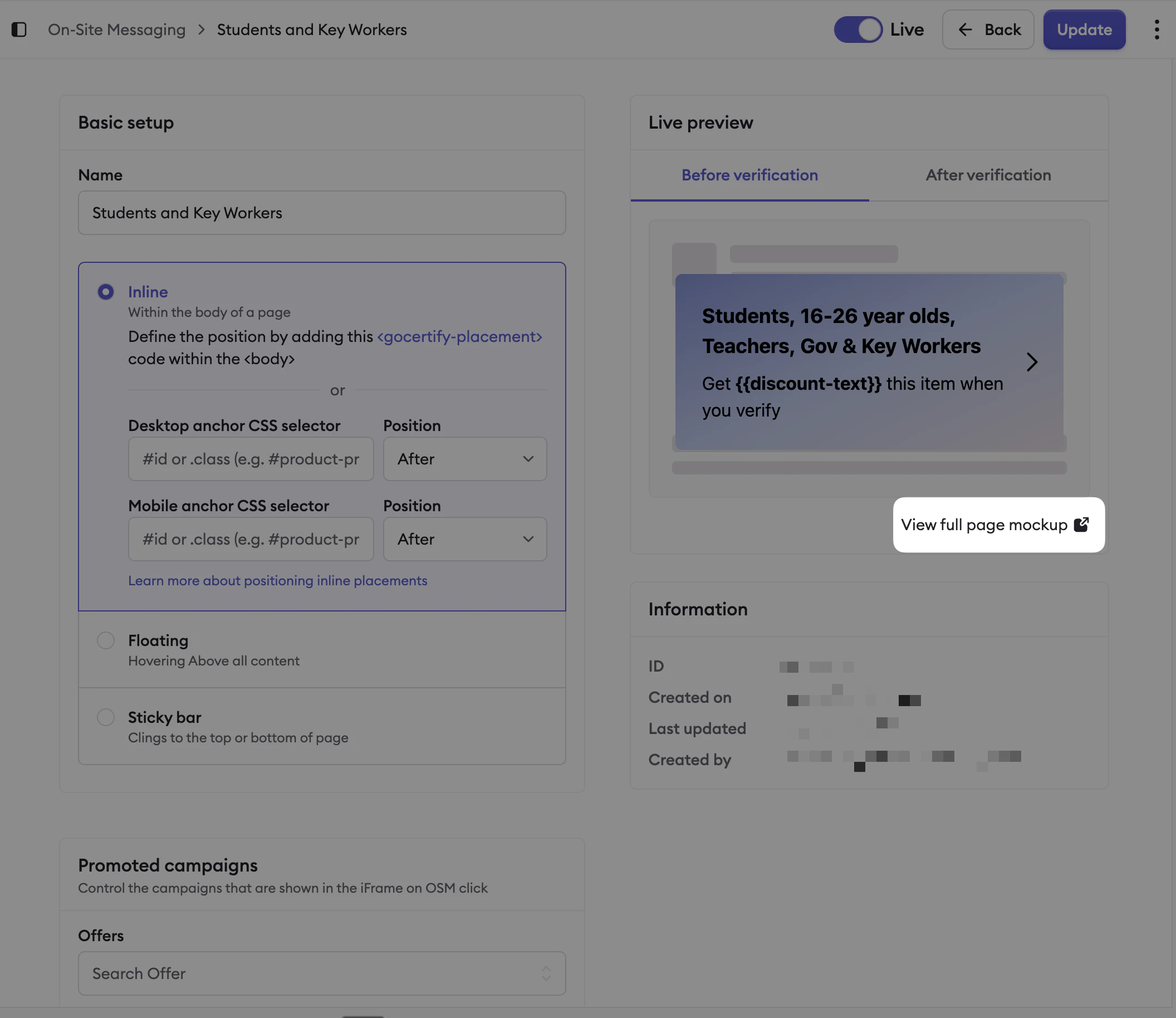
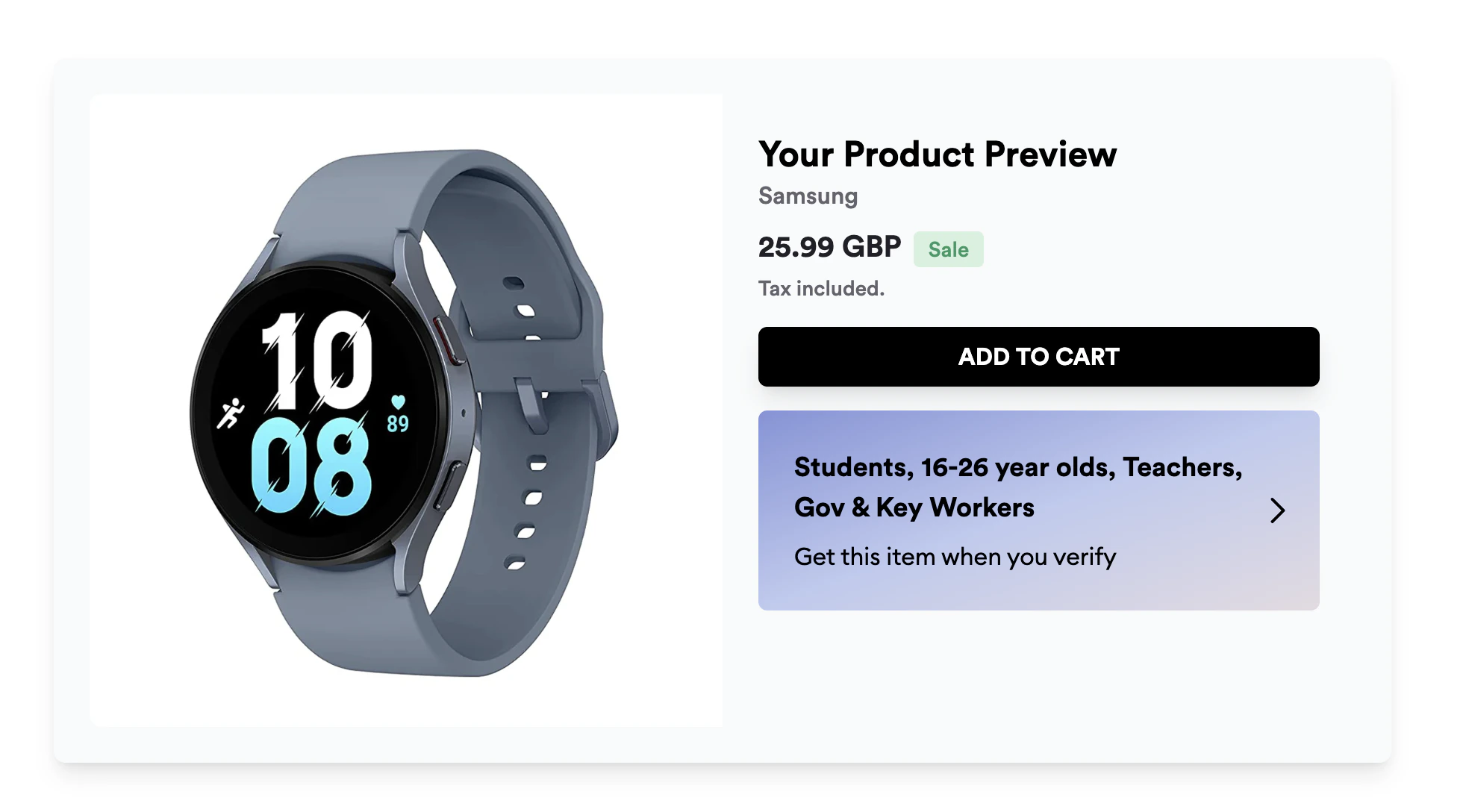
Types of on-site messaging
Out of the box, Gocertify supports three main types of on-site messages, but with heavy customisation available you can build a tailored placement that meets your needs.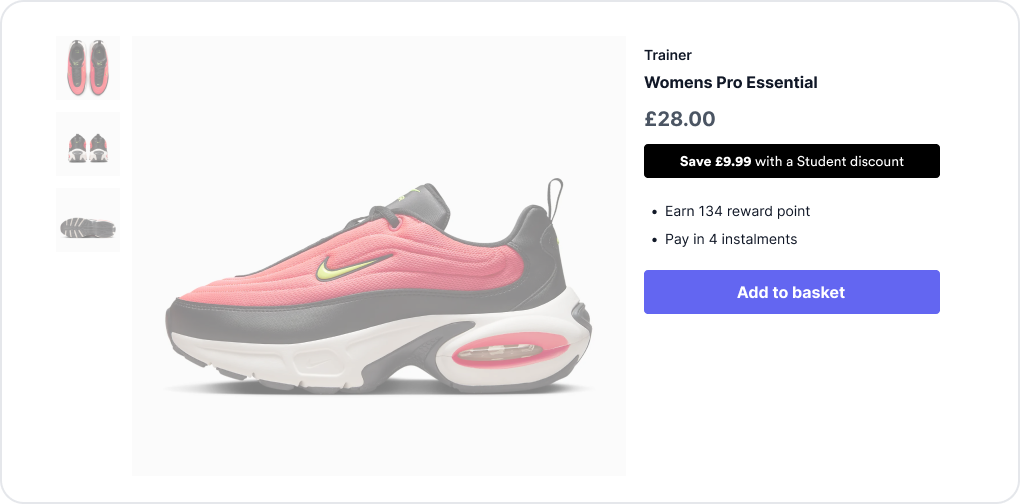
In-line
Display rewards directly on product/checkout pages, maximising conversion of high intent shoppers.

Sticky Bar
Display rewards from a prominent sticky bar at the top or bottom of your site. Highly visible and no-dev installation.

Floating Button
Display a hovering trigger that floats above the page content. Highly visible and no-dev installation.
Managing on-site messaging
You have full control of all your on-site messages via the Gocertify dashboard, including creating new placements, editing content and setting visibility rules.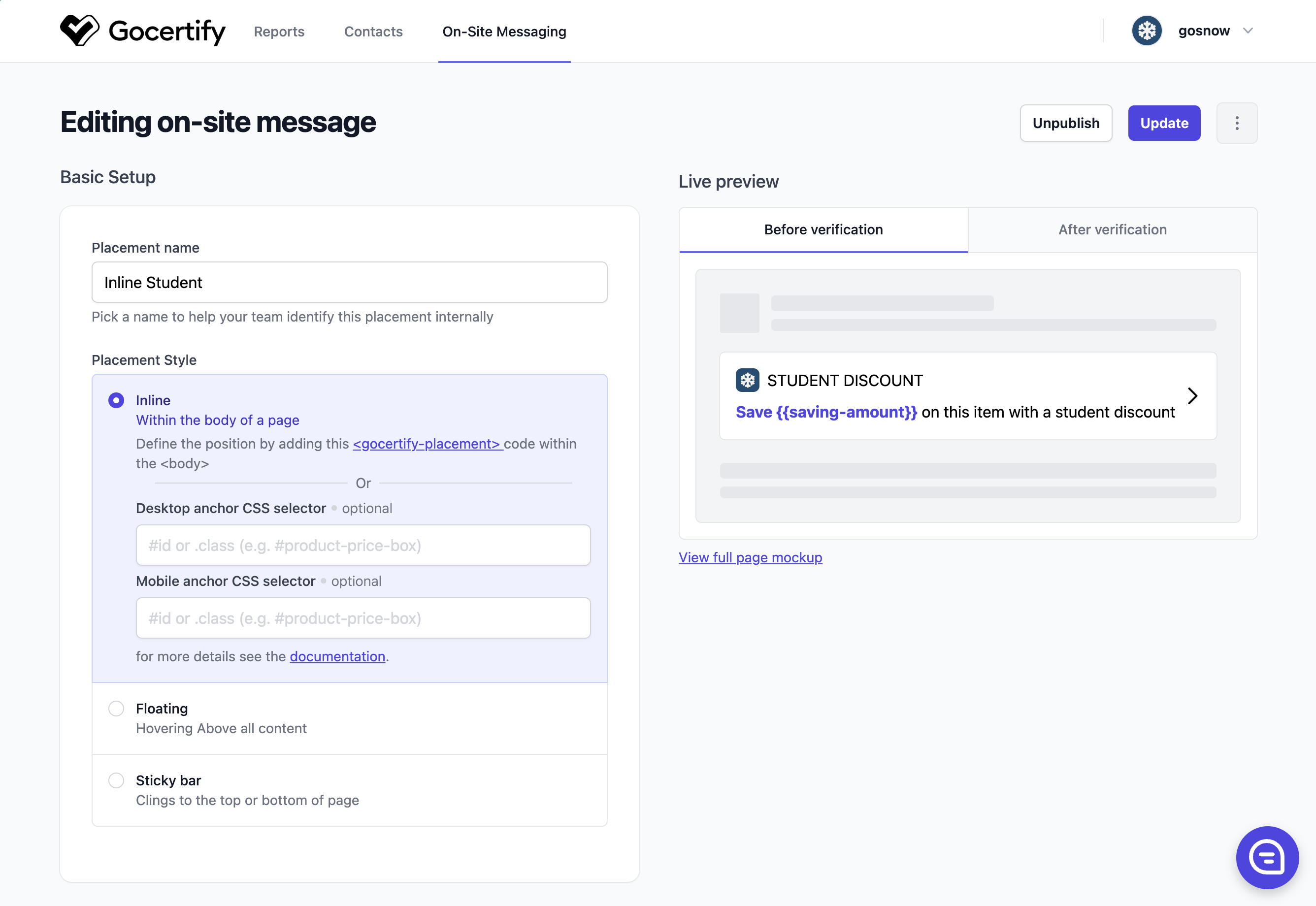
Previewing your placement
When editing an on-site message, click View full page mockup in the Live preview section to see how your placement will appear on a product page.